 My nephew is getting married this weekend and despite my protests I was roped into doing some of the photography. I had originally intended to actually put my feet up and enjoy the ceremony and ensuing festivities… you know… like an actual guest. It’s too late for me but know this ye ignorant unwed: wives wield a fearful persuasive power that cannot be explained, only experienced.
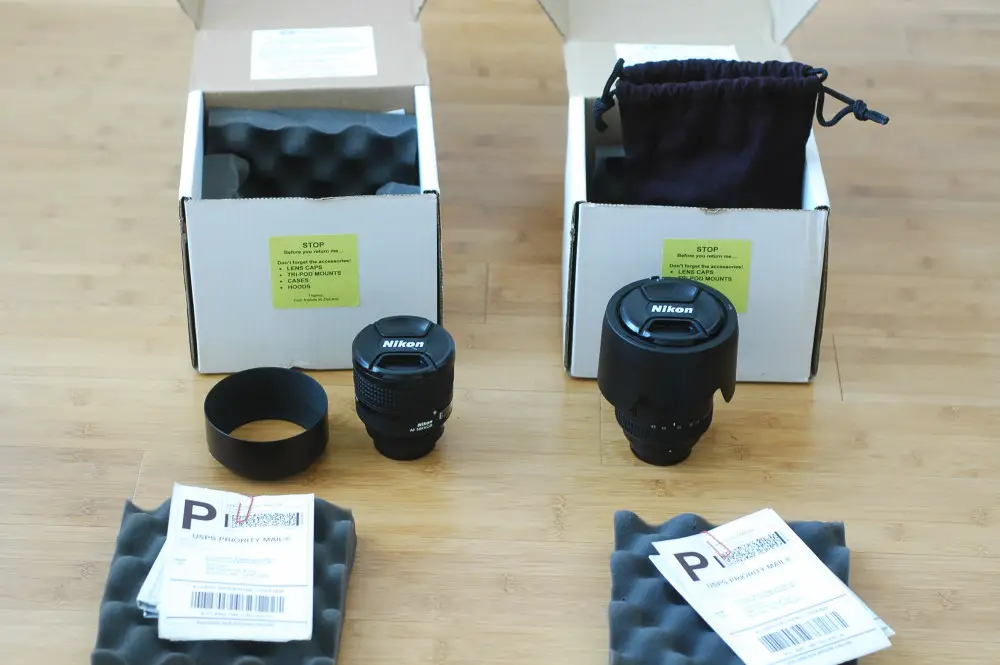
Anyway, I took the opportunity to rent some lenses from my favorite online rental shop: ZipLens.com. I’ve rented from ZipLens in the past (see our review) and the experience this time was just as good as it’s always been.
I decided to get a 17-55 f/2.8 and an 85mm f/1.4 for the weekend so about a month ago I put in my order with a specific reservation for this week (you can make a reservation request in the notes when you place an order). ZipLens responded that day telling me that the lenses were reserved. And lo and behold they arrived today as promised. Rental of both lenses for the week including shipping was $160 total ($105 for the glass,

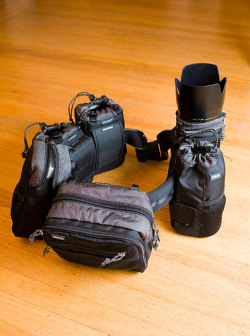 Think Tank Photo is a Bay Area based company making making bags and belt systems for cameras and lenses. I saw a belt system on a pro shooter several months ago and watching her work with it, I was convinced it was the way to go. If you saw a carpenter walk around with a bag or backpack and take it off every time he needed a different tool, you’d buy him a toolbelt. The think tank belt system is a tool belt for photographers. I’ve been using the Think Tank belt system for several months now and thought it was about time for a review.
 If you’re anything like me, you’ve probably got a shoebox (or maybe even a slightly more elaborate storage system) full of old negatives from your film days. I’ve been casually thinking about scanning some of my old negatives and especially the negatives from my wedding to preserve them. Negatives can be stored for decades but I don’t store mine in anything near ideal conditions. In theory, digital images can be stored forever (assuming you’ve got a good backup process in place… you do backup your files, don’t you?)
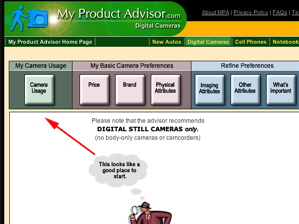 To start, merely click one of the buttons and then move sliders or click checkboxes to indicate your choices. Unfortunately, the first button–camera usage–is one of the weaker pages, because the choices are so limited. You can choose between action scenes and landscapes, for example, but not nature shots or portraits. Still, take a stab and move forward.